Photo booth frame templates
A photo booth frame template is a print overlay with a designed border around one large photo. BoothLab makes them on 4×6, 5×7 and 6×6 prints, as PNG files with a transparent opening, each designed for one event.
Frame sizes
Last updated
| 4×6 portrait | 1200 × 1800 px, one photo |
|---|---|
| 5×7 portrait | 1500 × 2100 px, one photo |
| 6×6 square | 1800 × 1800 px, one photo |
| Resolution | 300 DPI at trim size |
| File | PNG with a transparent photo opening |
| Wording | Names or an event title lettered into the frame |
One photo, with room for the design
A frame layout gives the whole print to a single photo and lets the artwork run around it. It suits group shots, a single booth pose with a backdrop, and events where the print is a keepsake rather than a strip of four.
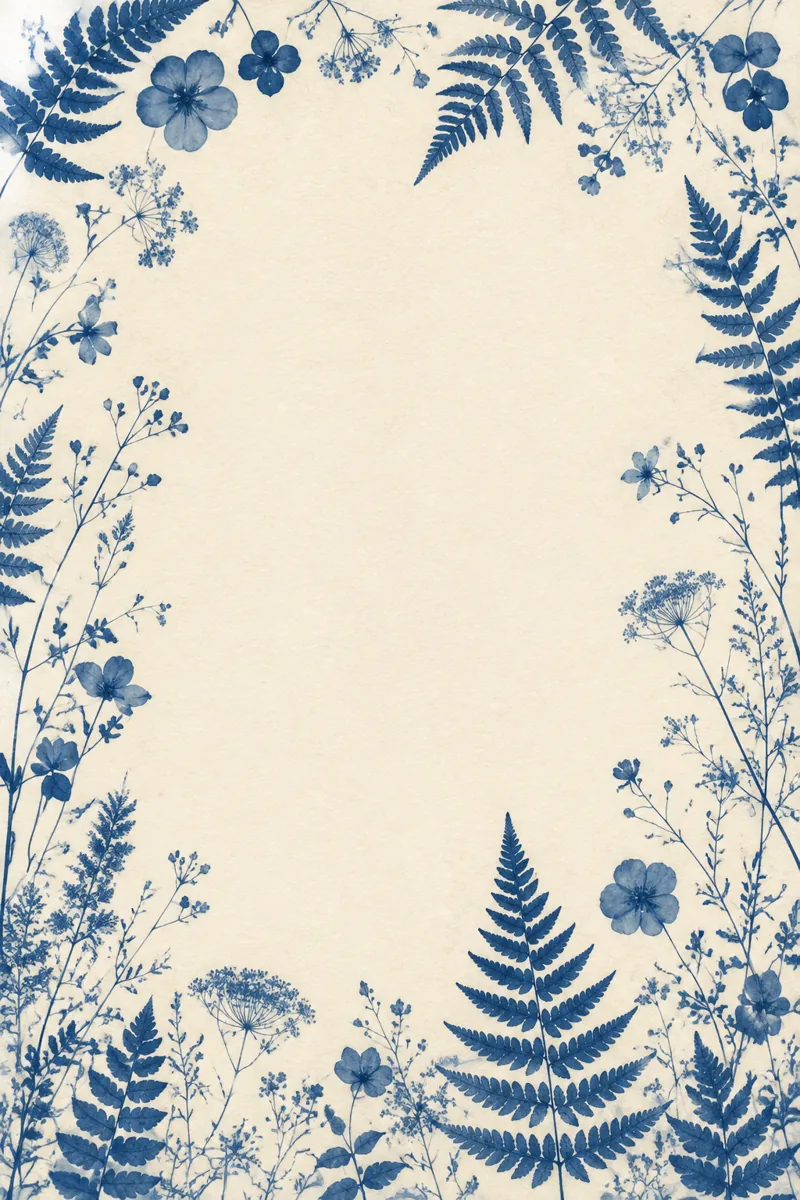
The sample here is the 4×6 frame from the Olivia & James kit: a botanical border in cornflower blue with the photo opening in the middle.
The border is separate pieces, not one flat picture
Each flower, leaf and line of lettering in a BoothLab frame is its own layer. In the Studio you can move a piece that sits too close to a face, hide one, or swap it for another take, then export again for free.
A frame can be your hero or an extra
Every pack has a hero layout and two more. Make the frame the hero, or keep a strip as the hero and add a frame as one of the extras, so the booth can offer both.
Questions operators ask
What is a photo booth frame template?
It is an overlay your booth software prints on top of the guest photo: a decorative border with a clear area for the photo, usually on a 4×6 print.
What sizes do the frames come in?
Single-photo frames come in 4×6 (1200 × 1800 px), 5×7 (1500 × 2100 px) and 6×6 (1800 × 1800 px), all at 300 DPI.
Can I have a landscape frame?
The single-photo frames are portrait or square. The landscape 6×4 layouts hold two, three or four photos.