Canva photo booth templates or BoothLab?
Canva is a design editor: you start from a template and build the strip yourself. BoothLab designs the whole kit for you from a brief, with the prints, start screen and buttons matched. Canva suits operators who enjoy designing. BoothLab suits those who would rather not.
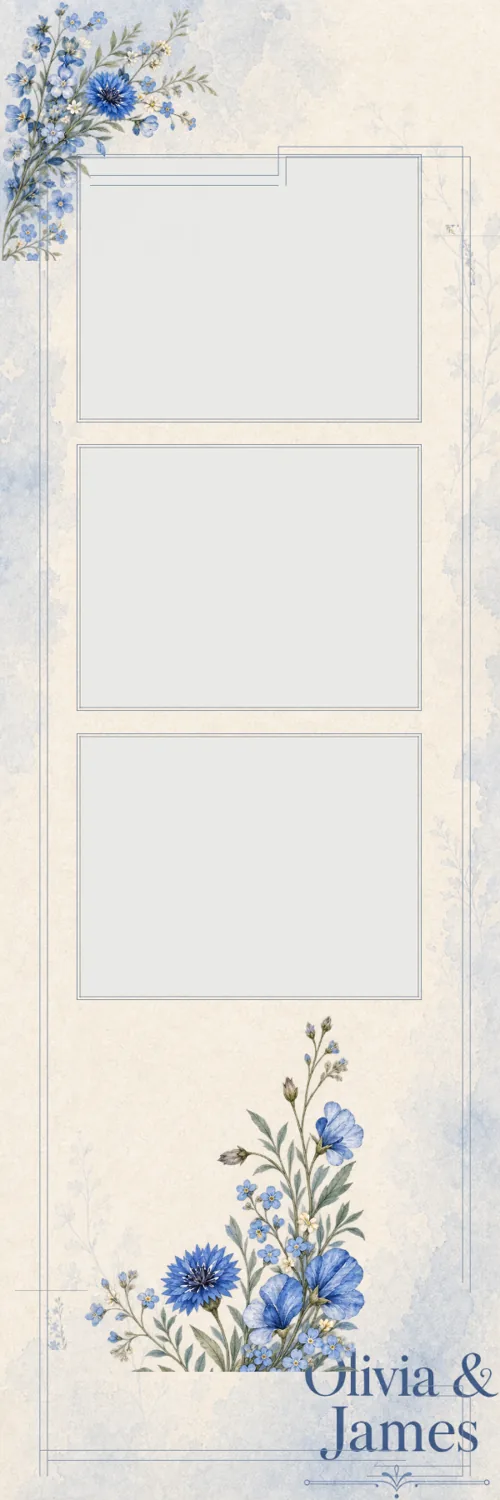
BoothLab and Canva, side by side
| Compared on | BoothLab | Canva |
|---|---|---|
| What it is | A service that designs a kit for one event | A general design editor with templates |
| Who does the design | BoothLab, from your brief | You, starting from a template |
| Transparent PNG export | Included | Needs a paid Canva plan |
| Matching start screen and buttons | Included in every pack | You design each one separately |
| Photo openings | Cut and locked at the right size | You size and cut them yourself |
| Price | $29 per event, first look free | Free plan, or a paid plan billed monthly or yearly |
| Other uses | Photo booth kits only | Flyers, social posts, price lists and more |
Choose Canva if
you like designing, you already pay for Canva for the rest of your marketing, or you want to adapt a template you bought from a seller who delivers Canva files.
Choose BoothLab if
you want a finished, matched kit without the design time, a look made for the event and not adapted from a shared template, and files that are ready to load.
What a BoothLab pack includes
Last updated
| Prints | 3 layouts, 300 DPI, transparent photo openings |
|---|---|
| Attract screen | 1, for an HD display or an iPad |
| Buttons | 1 set of up to 6 |
| Editing | A browser Studio with free re-export |
| Time to files | Usually 15 to 25 minutes after you buy |
The real difference is who does the work
In Canva you are the designer. Its templates give you a head start, and a strip can come together in half an hour if you know what you want. Then the start screen and the buttons each need their own design, and keeping all of them in one look is up to you.
BoothLab asks for the event’s details and returns the set. The time you spend is on the brief and on checking the result.
Check the export before you rely on it
A booth overlay needs transparent photo openings. Canva’s help centre lists the transparent background download as a feature of its paid plans, so the free plan alone will not produce a working overlay. Canva’s prices change, so check its pricing page for the current figure.
They also work together
Plenty of operators keep Canva for flyers, price lists and social posts. Nothing stops you using BoothLab for the event artwork and Canva for the rest.
Sources
Facts about other products were checked on 13 October 2026 and can change. Check the links for current details.
Questions operators ask
Can I make photo booth templates in Canva?
Yes. Set a custom size in pixels, design around the photo areas and download a PNG with a transparent background, which needs a paid Canva plan.
Is BoothLab a Canva alternative?
For photo booth event artwork, yes. Canva is a general editor you design in; BoothLab designs the booth kit for you. BoothLab does not replace Canva for other design work.
Can I edit a BoothLab design in Canva?
BoothLab delivers PNG files and has its own browser Studio for edits. It does not export Canva files.