A photo booth template maker that does the designing
BoothLab makes a photo booth template from a short brief: the names, the date, the colours and a style. Then every piece is yours to adjust in the Studio, a browser editor where you move, hide and swap elements and re-export for free.
What you can do in the Studio
Last updated
| Move and arrange | Select one piece or several, drag them, align and distribute |
|---|---|
| Hide or swap | Hide a piece, or swap it for another take |
| Wording | Text in the bundled fonts is edited in place |
| Photo openings | Locked by default, so photos always land in the same place |
| Safety | Undo, autosave and reset to the original design |
| Export | Free, as often as you like |
| Paid extras | Three fresh takes of one piece, or new wording on lettered names: 1 credit each |
| Devices | Full editor on a computer; quick edits and downloads on a phone |
Start from a brief, not a blank canvas
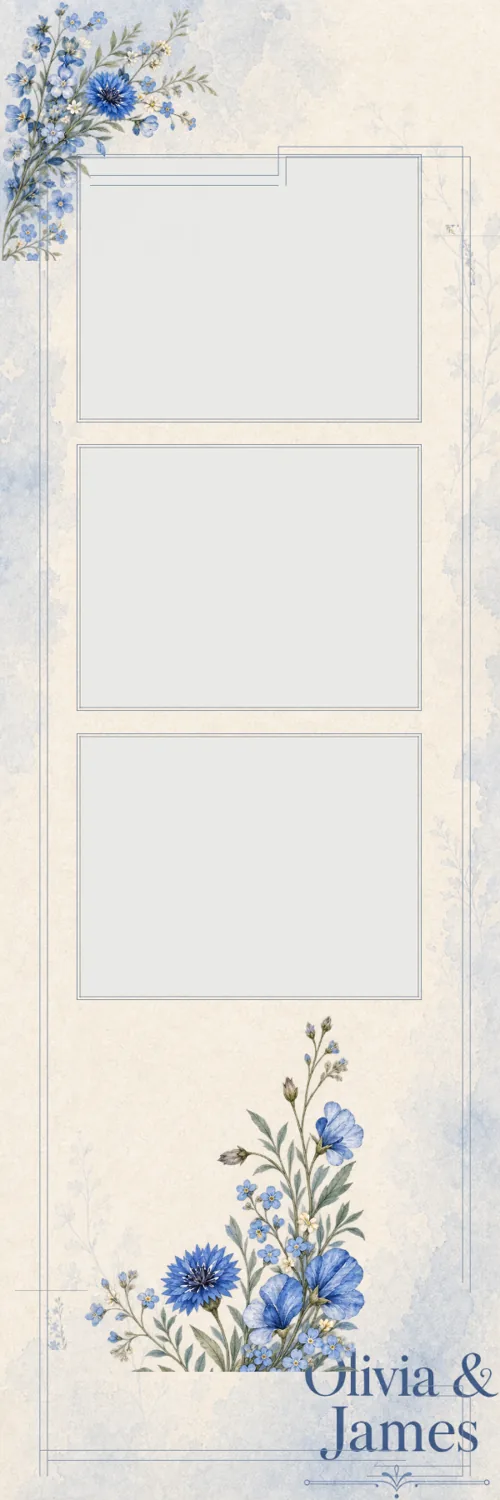
Most template makers hand you an empty artboard and a library of clip art. BoothLab starts the other way round. You answer three short steps, the event and its wording, the hero layout, and a style, and it designs a complete kit: prints, an attract screen and a button set.
You see that first look free, with a watermark, before deciding whether to buy the pack.
Every flower is its own layer
A delivered design is not one flat picture. Each motif and each line of lettering is a separate piece on the canvas. If a fern sits where a guest’s face will be, move it. If a corner feels crowded, hide a piece. Changes like these are free and take seconds.
When you want something redrawn
Some changes need new artwork: a different rose, or the names lettered again with new wording. Those cost one credit. A fresh take gives you three versions of the piece to swap between, and a pack includes three credits.
Questions operators ask
Do I need Photoshop to edit a BoothLab template?
No. The Studio runs in your browser. You move, hide and swap pieces there and export finished PNG files.
Can I make a template from scratch in the Studio?
The Studio edits designs BoothLab has made from your brief. It is not a blank-canvas drawing tool.
Does editing cost extra?
Moving, hiding, swapping between takes and re-exporting are free. Three fresh takes of one piece, or new wording on lettered names, cost one credit each.
Can I edit on my phone?
Yes, for quick changes: swap takes, retype wording and download. The full editor is built for a computer screen.