Photo booth template designs, in every format a booth needs
BoothLab designs photo booth templates for one event at a time. A pack holds three print layouts, an attract screen and a set of touchscreen buttons, all drawn from the same design, as PNG files at the exact sizes below.
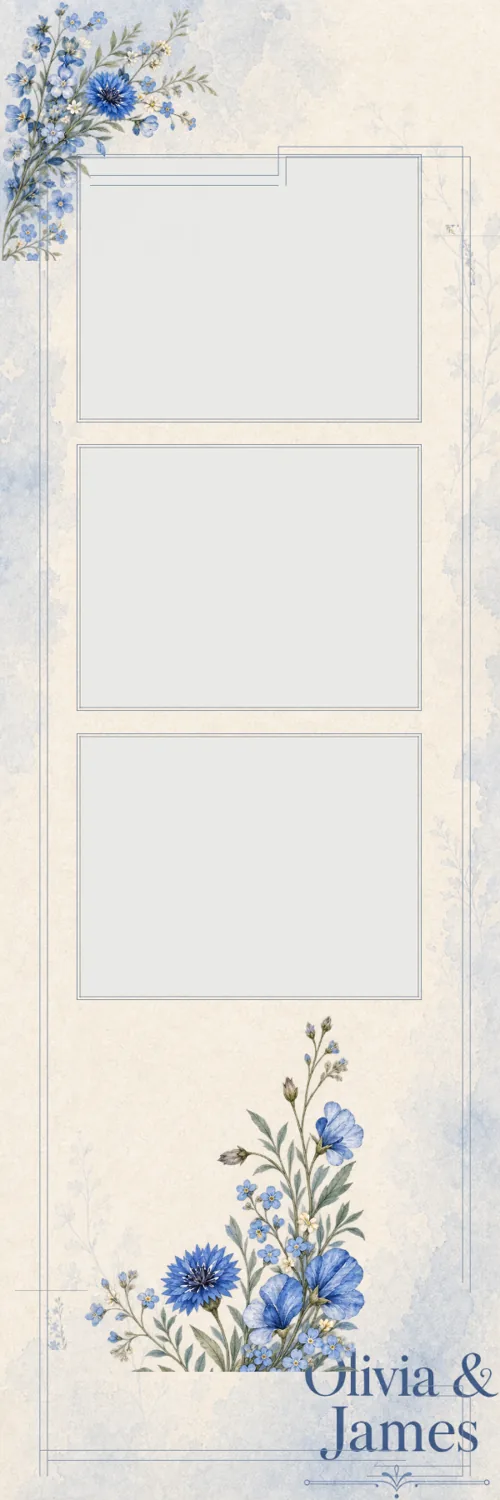
Browse by format or event
Every format and its size
Prints are 300 DPI at trim size with transparent photo openings. Screens and buttons are exact pixels.
Last updated
| Format | Size | Notes |
|---|---|---|
| 2×6 photo strip | 600 × 1800 px | 3 or 4 photos, with or without a footer |
| 4×6 print, portrait | 1200 × 1800 px | 1 to 4 photos, five layouts |
| 6×4 print, landscape | 1800 × 1200 px | 2 to 4 photos, four layouts |
| 5×7 print | 1500 × 2100 px | A single photo or a grid |
| 6×6 print | 1800 × 1800 px | A single photo |
| 9:16 share overlay | 1080 × 1920 px | For photos sent to phones |
| Attract screen, HD | 1920 × 1080 or 1080 × 1920 px | The screen guests see before they tap |
| Attract screen, iPad | 2048 × 1536 or 1536 × 2048 px | Portrait or landscape |
| Touchscreen buttons | 800 × 800 px each | Up to 6 labels, one PNG per button |
Made per event, not picked from a shelf
There is no library of finished templates to scroll through. You brief the event, with its names, date, colours and a style, and BoothLab designs the kit for it. The first look is free and watermarked, so you see the whole thing before paying.
The samples on this site come from one real brief: Olivia & James, 12 October 2026, in cornflower blue on cream.
Files that load into the booth software you have
Everything is delivered as PNG, one file per piece and one ZIP of the lot. Booth apps that accept PNG overlays can use them. BoothLab does not ship software-specific presets, so you load the files the way you already load your own artwork.